
Appointment scheduling for screening visits
Once a patient is ready for a visit, book it into a staff calendar from the same record that holds their screening answers and call history.
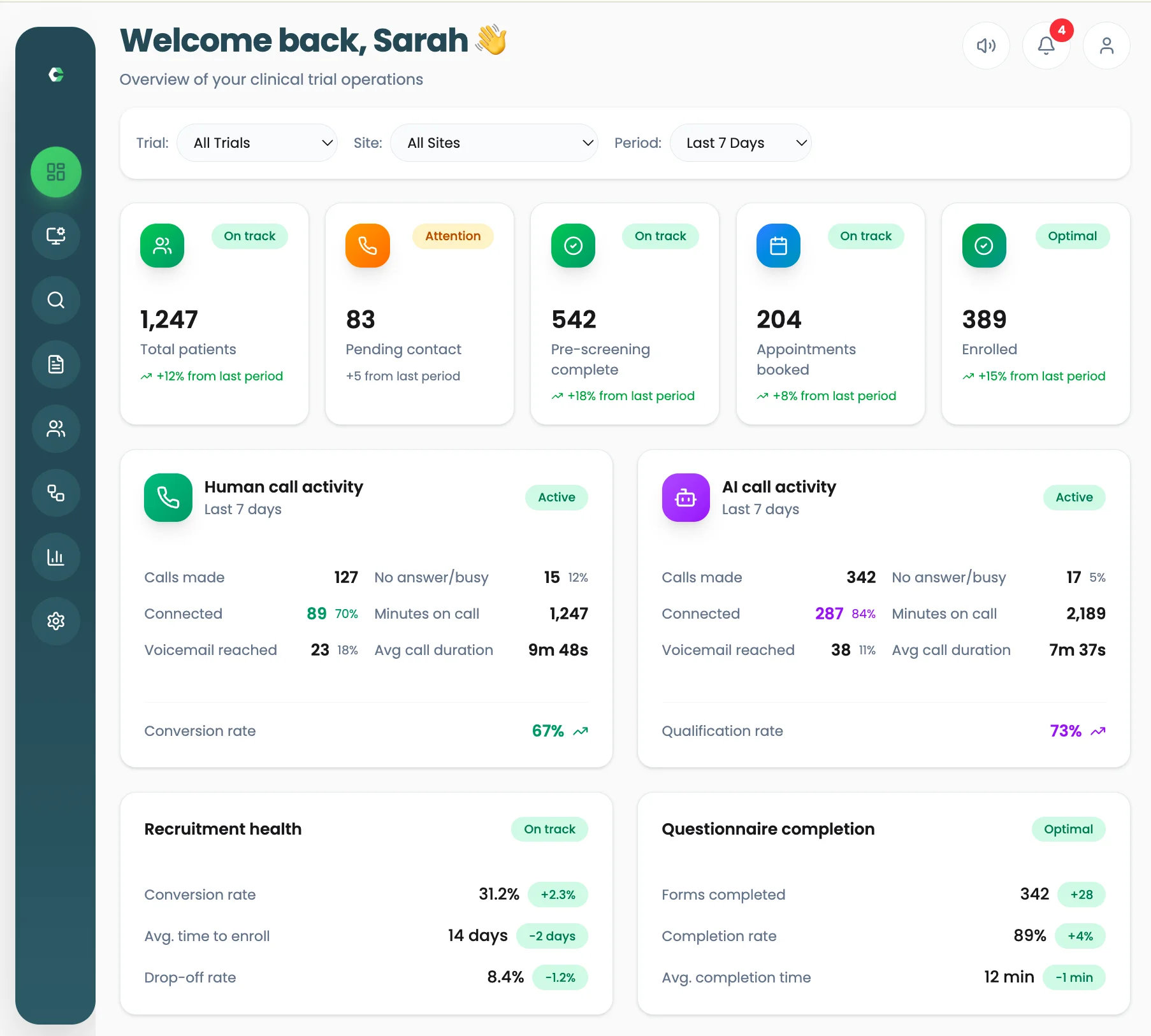
Why scheduling sits next to screening
The moment a patient agrees to a visit is the moment it is easiest to lose them. Switching to a separate diary, then back to send a reminder, adds steps and delay.
In Clinrol Connect, visits are booked directly into staff calendars and the appointment status is stored on the patient record. Automated reminders can be sent ahead of the visit, and Ayla can book qualified patients as part of a configured workflow.
Worked example: booking straight after screening
Illustrative scenario with synthetic details. A fictional patient completes a phone screening and is ready to attend a fictional site.
- Step 1
Screening complete
The coordinator reviews the screening answers and marks the patient ready for a visit.
- Step 2
Calendar view
Available times in the relevant staff calendar are shown from the patient record.
- Step 3
Visit booked
The coordinator books a time while still on the call with the patient.
- Step 4
Reminder sent
An automated reminder goes out before the appointment.
- Step 5
Status updated
Appointment status is visible on the record and in recruitment reporting.
What scheduling includes
Staff calendars
Book visits directly into the calendars of the team running them.
Booking from the record
No need to re-enter patient details in a separate diary.
Automated reminders
Reminders sent ahead of each visit through the configured workflow.
Appointment status
See booked visits on the patient record and in reporting.
Frequently asked questions
- Can Ayla book appointments?
- Ayla can book qualified patients into calendars as part of a configured workflow. Staff can also book directly.
- Are reminders sent automatically?
- Yes. Automated reminders can be sent ahead of the visit as part of the study workflow.
- Where can we see upcoming visits?
- Appointment status is stored on each patient record and reflected in recruitment analytics.
- Which calendar tools does scheduling connect to?
- Ask during a demo. The team will discuss how scheduling would work with your site's current calendars.
Works alongside
AI pre-screening
Ayla, the AI agent in Clinrol Connect, calls patients, asks protocol-specific questions and records structured answers for staff review.
Read about ai pre-screeningSMS workflows
Use short text follow-ups, reminders and re-engagement messages with patient-record context and coordinator review.
Read about sms workflowsRecruitment analytics
Track funnel performance, conversion, drop-offs and staff workload across studies in one view.
Read about recruitment analyticsSee scheduling with your own study in mind
Book a walkthrough of Clinrol Connect and bring your screening questions and recruitment workflow.